FantasticFlavour has beentaken off the App Store.
The app can no longer be downloaded or installed. Thank you to everyone who scanned, planned and cooked with it. Below is what FantasticFlavour did.
Got a question? Get in touch.
Title
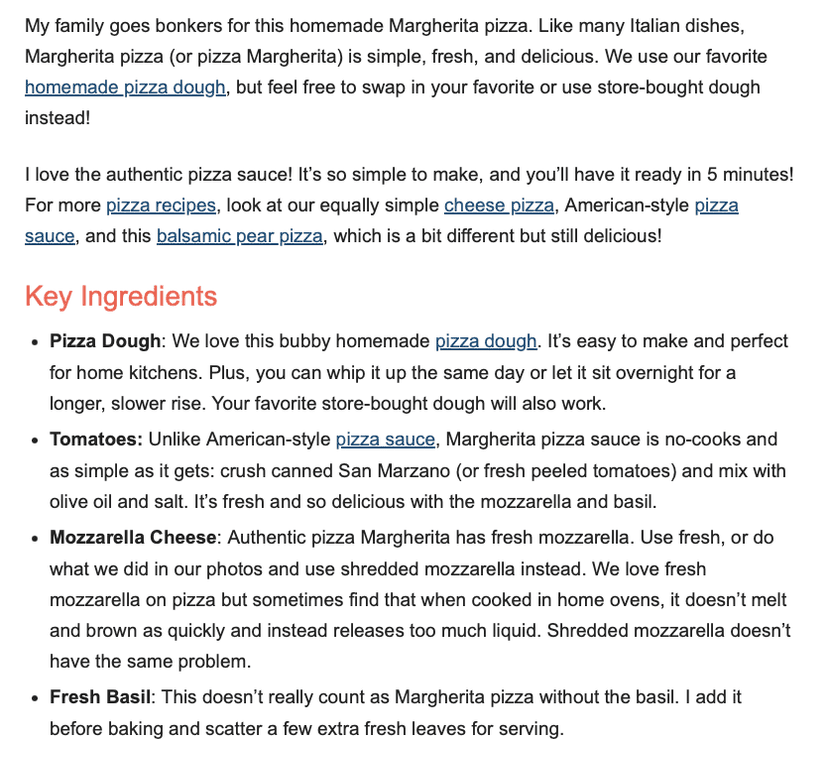
Classic Margherita Pizza
Ingredients
- - 500g pizza dough
- - 200g San Marzano tomatoes
- - 150g mozzarella...
Steps
- 1. Preheat oven to 250C
- 2. Stretch the dough...
The scanning was the whole point.
We spent a long time getting this right. Cookbooks, scrawled notes, blurry screenshots — the AI read them properly, so there were no endless corrections afterwards.
What the app did
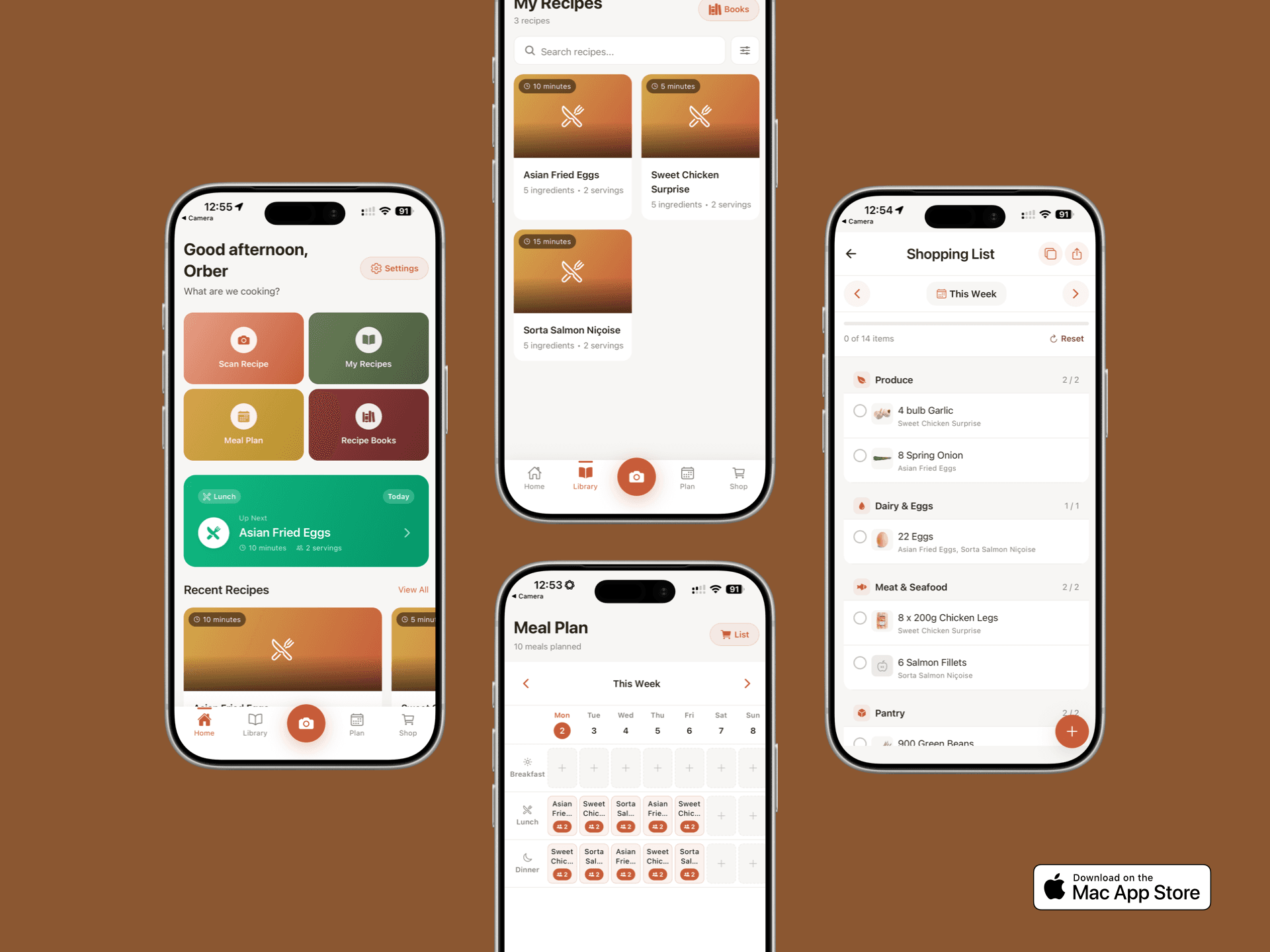
Your Recipe Collection
Everything in one place. You could search by ingredient, cuisine, or just type "that pasta thing" and it would find it.
Weekly Meal Planner
Drag recipes onto your week and the "what's for dinner?" panic at 6pm was sorted for the whole week.
Shopping List That Wrote Itself
Built from your meal plan automatically. It combined quantities and grouped by aisle, so you could share it or tick things off as you went.
Recipe Books
Recipes grouped however you liked. "Quick Weeknight Dinners", "Mum's Classics", "Stuff the Kids Will Actually Eat".
Tweak and Adjust
If the AI got something wrong, two taps fixed it. Change servings, swap ingredients, add your own notes — it became your recipe.
Worked Without Wi-Fi
Recipes lived on your phone. Cook in the countryside, at the in-laws', wherever. Cloud backup was optional, never required.
How it worked
No account needed. No faff. You opened the app and started scanning.
You took a photo
Point your phone at any recipe. Cookbook, magazine, handwritten card, screenshot — whatever you had.
The AI read it
The clever bit happened automatically. Title, ingredients, method, timings — all pulled out and organised.
You cooked from it
Check it looked right, save it, done. Next time you fancied making it, you searched and cooked.
How it looked, right in your pocket.
A recipe library, meal planner, and shopping list — all in one beautifully simple app.
People already had recipes
everywhere.
Screenshots nobody could find again. Bookmarks from three phones ago. Nan's recipe cards in a drawer somewhere. That amazing thing you made once but couldn't remember how.
No sign-up wall
You opened the app and scanned. An account was only needed for cloud backup.
Built for capturing, not browsing
Other apps want you to scroll through their recipes. This one helped you save yours.
Fast and functional
We skipped the fancy animations. You were there to scan a recipe, not watch things bounce.
Easy to fix mistakes
AI isn't perfect. When it got something wrong, correcting it took two seconds.
For people who actually cook
Not professional chefs. Just normal people making dinner.
Formats the scanner handled
Worked
Worked
Worked
Worked
Where things
stand.
FantasticFlavour is no longer available on the App Store. This page documents what the app did.
Get in touch